What will you create today?
Give every bold idea an extraordinary opening.
Top models, endless possibilities Display catalog
 Popular

Seedance 2.5
Let every idea have a cinematic expression
 Featured

MiniMax H3
Delicate dynamics, real imagination
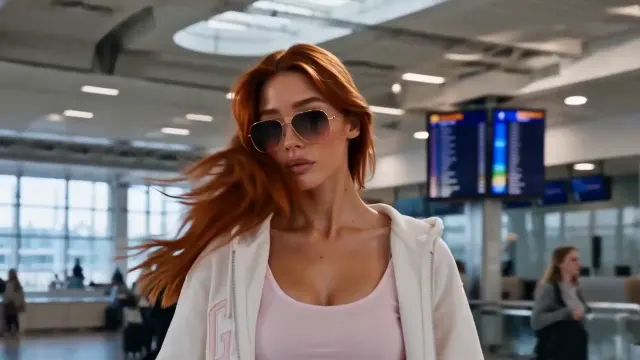
Seedance 2.0
Let characters and stories meet in the picture
 Explore

Wan 3.0
Break through the boundaries of reality and create infinite possibilities
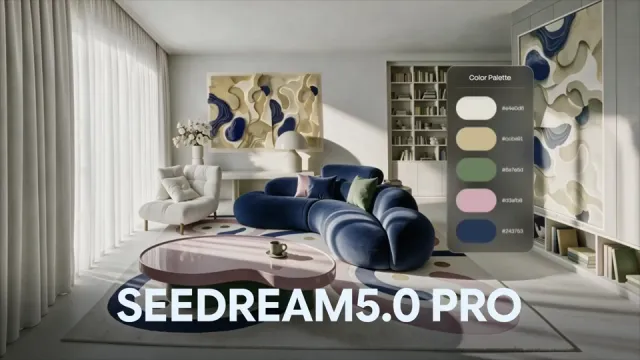
Seedream 5.0
From inspiration to images, every detail is under your control
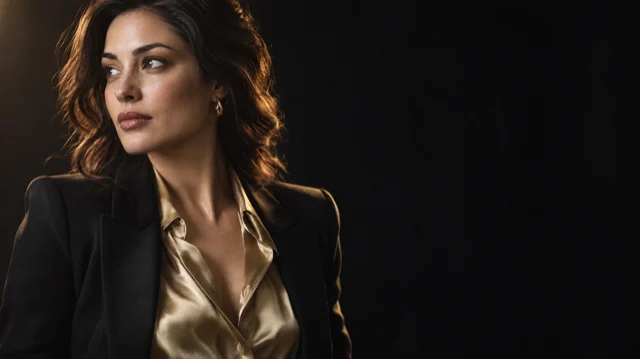

GPT Image 2.5
Accurately understand every idea you have
 Popular

Nano Banana 2
Create easily and edit as you like
Trending Videos ↗
Recreate popular videos with your own characters, products, and worlds.
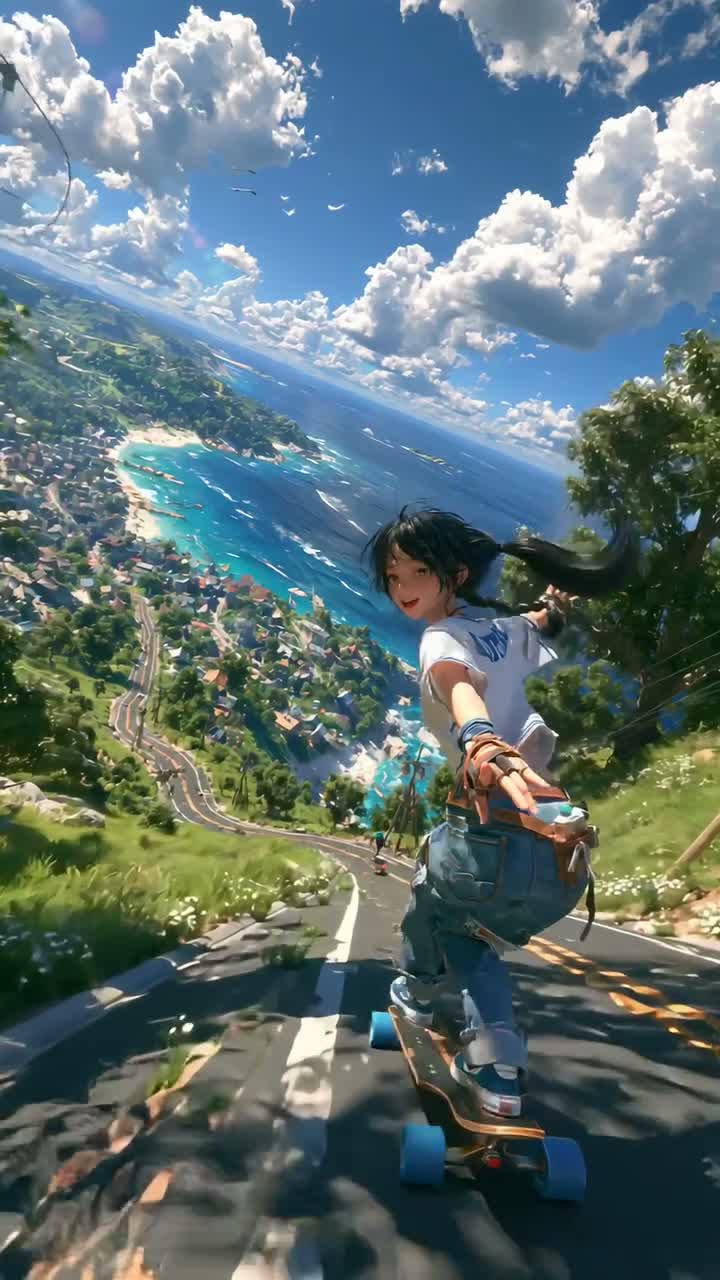
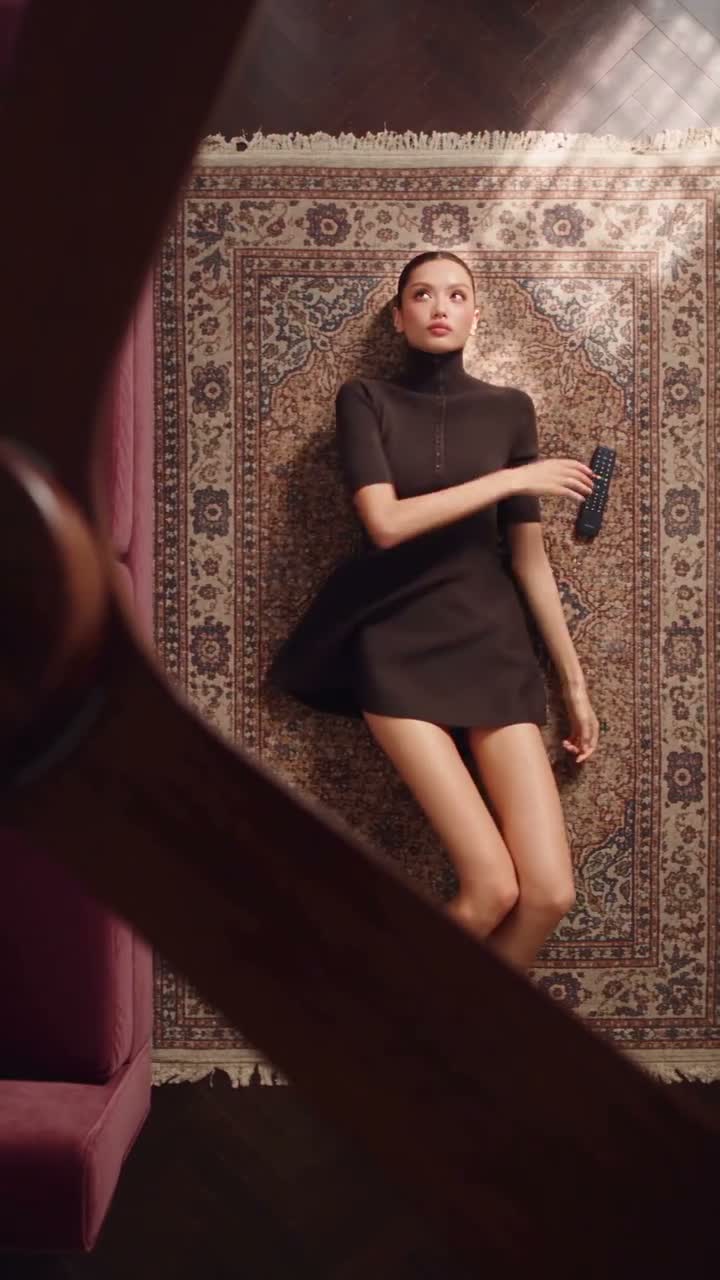
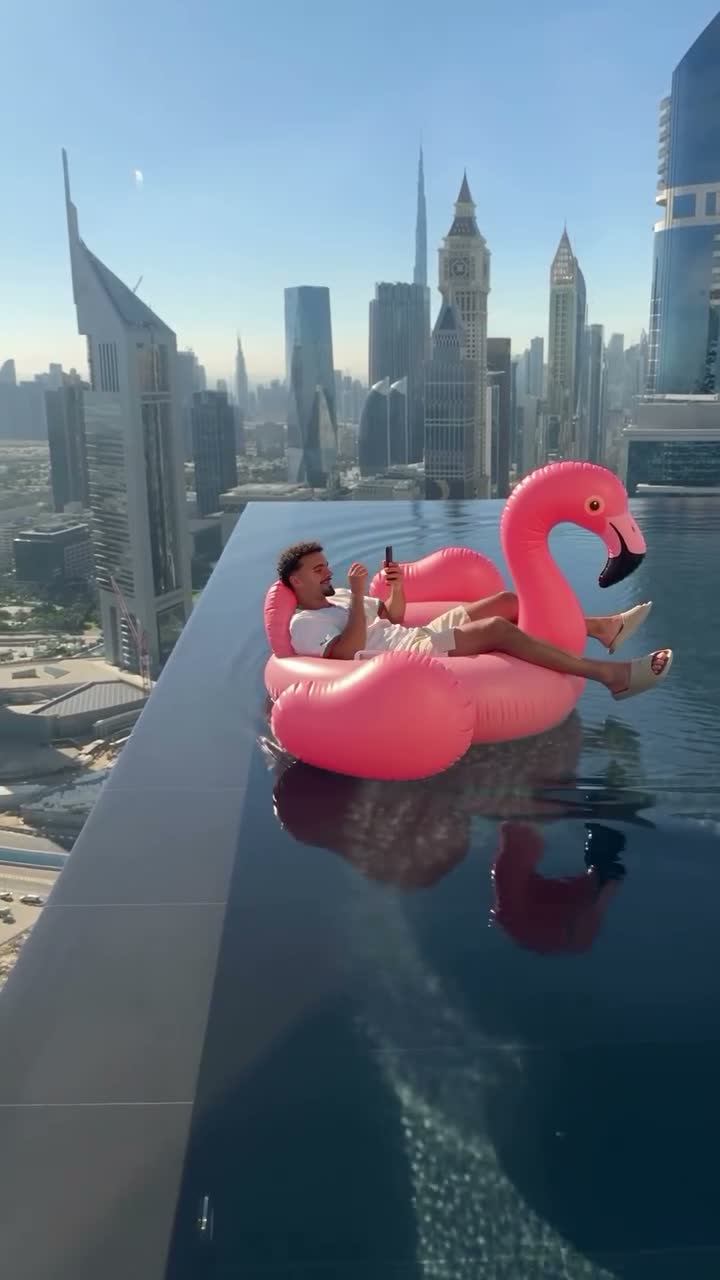
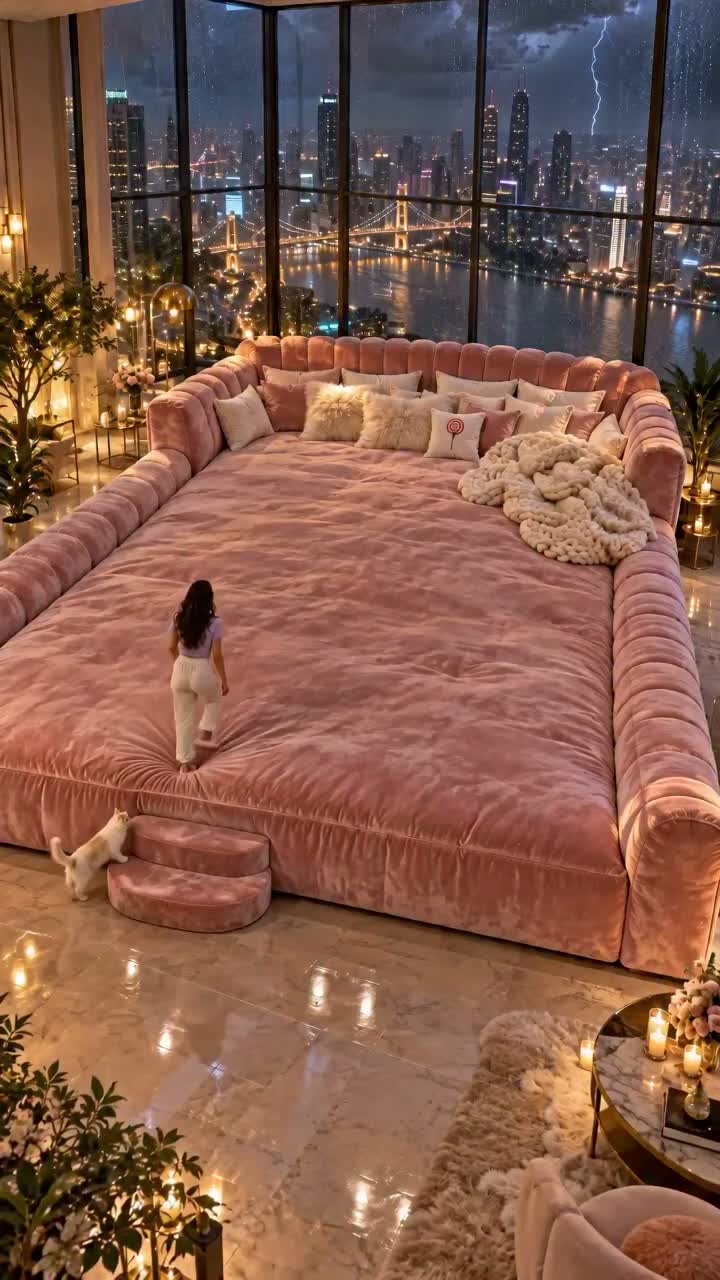
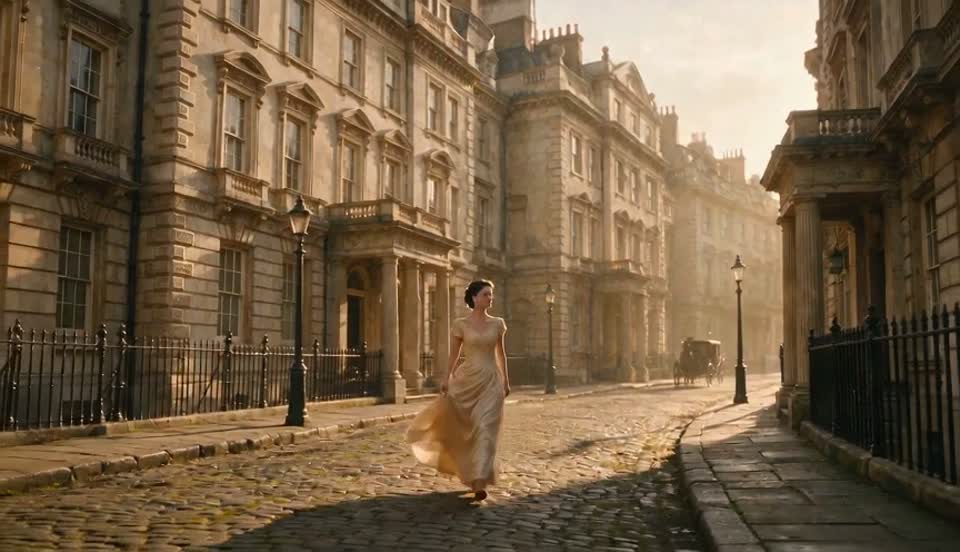
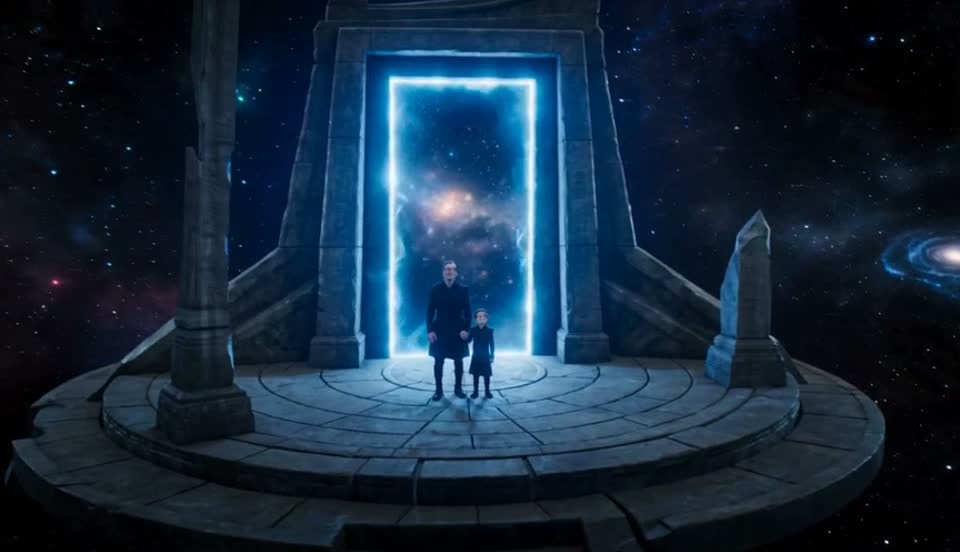
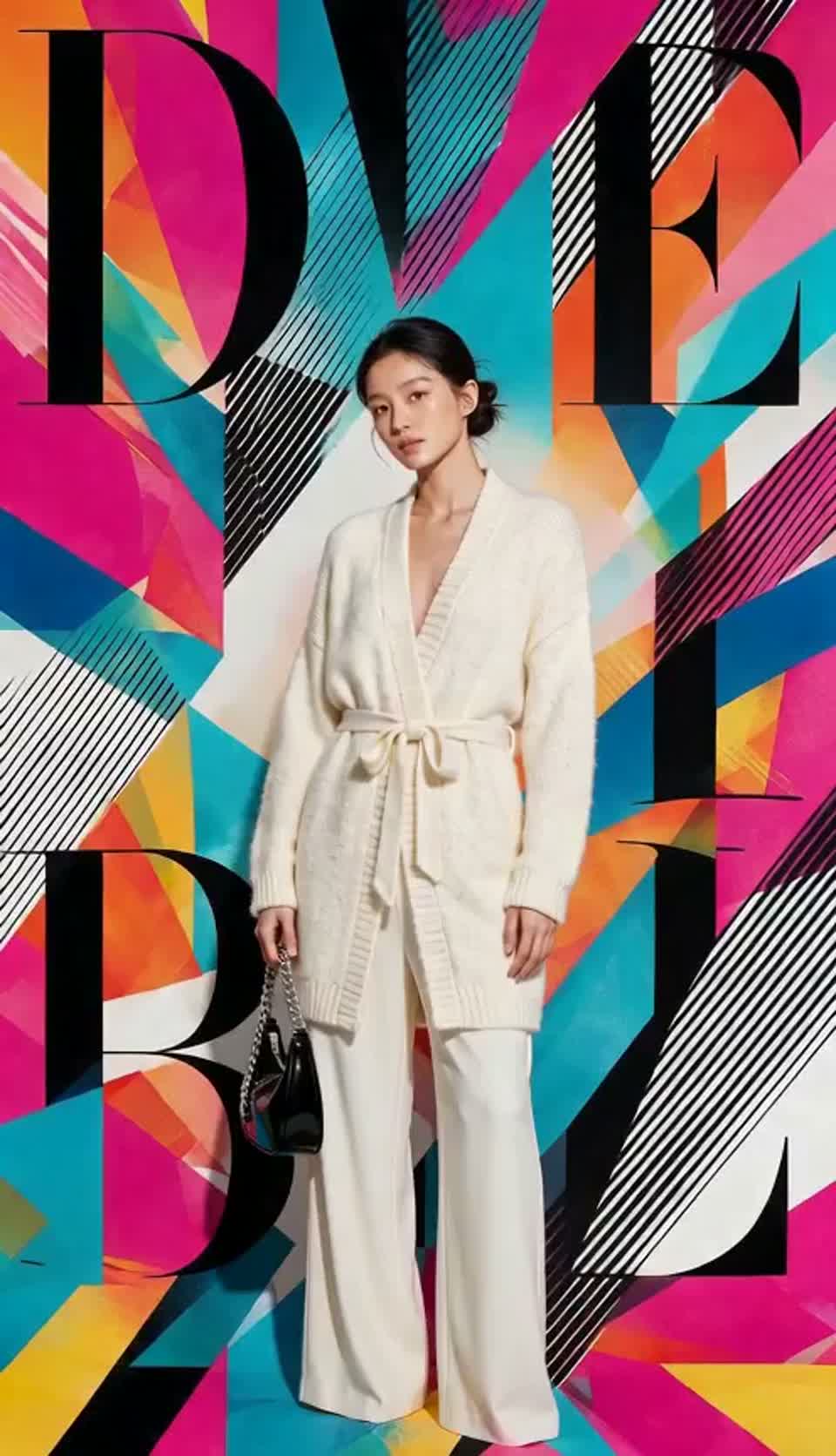
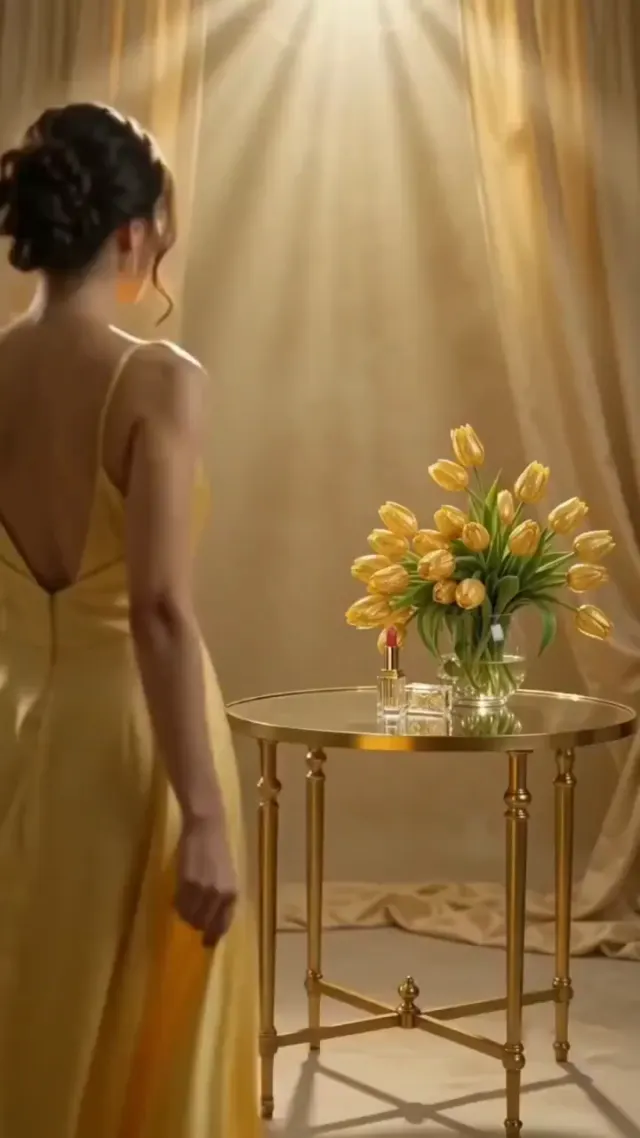
Find the starting point for creation from your materials
Text, a picture, or a familiar character. Every starting point has a corresponding studio.
Text to Video
Start with a description and turn the story into moving pictures.
Start CreatingImage to Video
Take a static image and add action, footage and time.
Start CreatingReference to Video
Let your characters, products and scenes enter the same story.
Start CreatingText to Image
Turn the composition in your mind into the first picture of the story.
Start CreatingImage to Image
Start from the existing picture and explore another version.
Start CreatingFirst & Last Frame
Use two images to define the beginning and end of the story.
Start CreatingFrom inspiration, to your first version
Choose starting point
Start with text or pictures, or find an idea in a popular video that you want to try.
join your world
Write a description, add your own reference material, choose a model, frame and time.
Preview and re-create
After logging in, submit your creation on the studio, view tasks in the work library, or adjust the description to create a new version.
Before you begin, you may want to know
Is it possible to generate real pictures and videos now?+
Already connected to Kie model service, currently only open to invited Google accounts. Unopened models will be clearly prompted.
Will my pictures be uploaded?+
When selecting a file, it will only be previewed locally; after clicking Real Generation, the reference image will be uploaded to Kie through the backend and used for model processing. Kie uploaded files will be deleted after 24 hours.
How to choose the mode for pictures, videos and reference materials?+
Start with text for a new idea, an image to animate an existing picture, or references to guide characters, scenes and style.
Where are the works kept?+
Work tasks and collections are saved in the account database, and prompt drafts are kept in the current browser. The generated files are temporarily provided by the model service, please download them in time; permanent media storage is not currently provided.
What models are already connected?+
Kie's Seedance, MiniMax H3, Wan, Seedream, GPT Image and Nano Banana adaptations are already plugged in. The current open status is shown on the studio, and the parameters change with the model.
Your next big idea, start here.
Turn inspiration into images and images into stories.